It’s always helpful to have a record of a past meeting. Whether it’s to review the decisions that were made or to know who was responsible for each task, meeting minutes serve as a valuable reference. They provide information not only for those who attended but also for those who were absent.
Don’t neglect this task, because meeting minutes can be crucial in case of disagreements. At the end of a meeting, take a few minutes to write a detailed report and send it promptly to the participants. This document can also inform absentees about the topics discussed.
A meeting minute is essentially a summary of the meeting based on the agenda. It includes the same basic information as the agenda, along with additional insights obtained during the meeting. In fact, much of the report can be drafted directly from your agenda items.
Before the meeting, prepare a detailed agenda. This will make writing your minutes much easier, as you can add notes directly under each agenda item, allowing for a quick layout once the meeting is over.
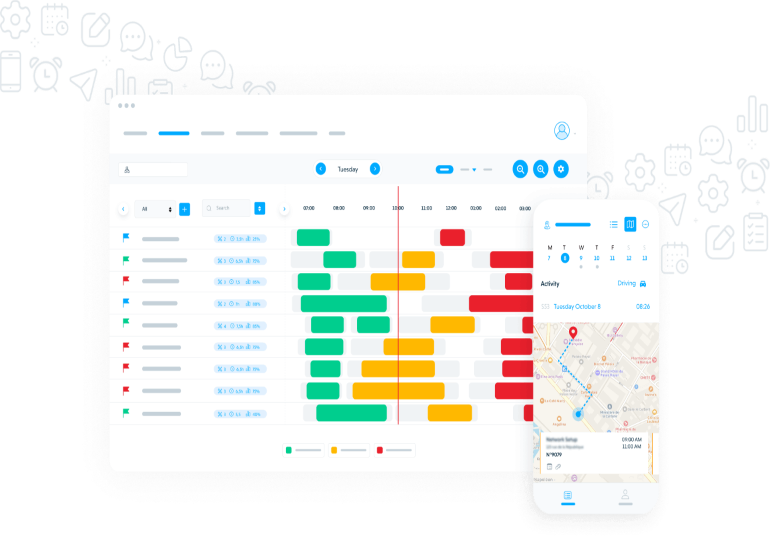
You can even use a meeting management software to assist in drafting your minutes. How? During the meeting, use your preferred device—laptop, tablet, or phone—to record notes under each topic. By the end of the meeting, your minutes will already be about 80% complete. You’ll just need a few minutes afterward to proofread and correct your text using tools like Antidote.
To make your minutes complete and detailed, it’s essential to take notes during the meeting. Without notes, important information will inevitably be forgotten. Using abbreviations can make note-taking faster. You could also record the meeting to ensure nothing is missed.
For minutes to be useful, make sure they are accessible to all participants, either via a centralized repository or email once they are finalized. The sooner, the better—ideally within 48 hours, because memory fades quickly.





































































































 January 26, 2026 - BY Admin